
Customers & product evidence
See the work
before you commit.
Look at the workflows your team would use. Then put your own process, records and requirements to the test.

The Inwards Goods view brings expected shipments, receiving exceptions and putaway work into the same screen.
- See where goods are
Follow the stages from ASN and receiving through to putaway.
- Find what needs attention
Receiving exceptions are visible alongside the work queue.
01 / Inwards goods
Make the next
handoff visible.
An expected delivery becomes receiving work, then stock that needs to be put away. This view gives the inwards team a place to follow that progression.
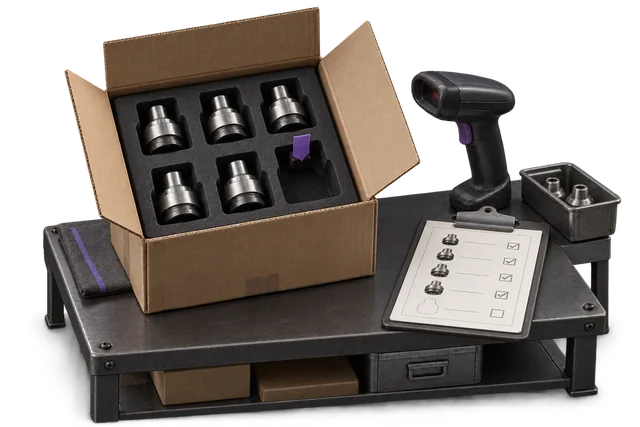
Inspect the workflow
Find an expected shipment, review an exception and follow a putaway task.
Bring your own scenario
How should a short delivery or damaged item be recorded, reviewed and resolved?

A picking queue showing order priority, location references, progress and the action to claim a job.
- Understand the job
Review priority, items and location references before starting.
- Take the next action
The claim action connects the queue to the picker’s work.
02 / Orders and picking
From an open order
to a job on the floor.
The queue makes priority and progress visible before a picker claims work. Use a product review to follow the handoff through your actual picking process.
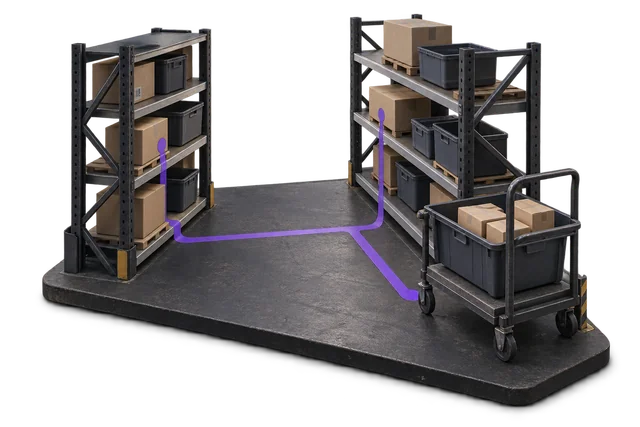
Inspect the workflow
Review a priority, locate the required stock and see how a job is claimed.
Bring your own scenario
What happens when the location is empty, the order changes or a line is short?
Make the evaluation useful
A review starts with your operation.
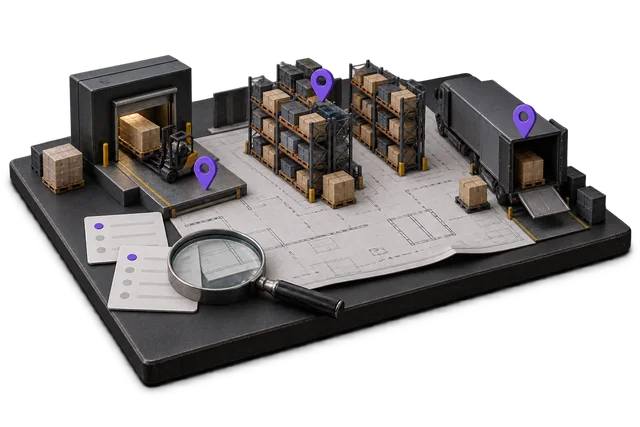
Walk through one process
Show the current handoffs, records and exceptions that cost your team time.
Check scope and fit
Identify the modules, integrations and requirements that need to be validated.
Agree what to evaluate
Choose the first workflow and the evidence you need before making a decision.
Your next step
Put your workflow in the picture.
Bring a receiving, picking or dispatch scenario. We’ll work through the product and its fit with your operation.