

Ecommerce & D2C
5 suggested modules
Follow orders from allocation to dispatch, then bring returns back into stock.
Solutions · New Zealand
Find the workflows that match your day, then see the modules behind them. Each solution is a starting configuration, with the same published pricing as the rest of OpsUI.
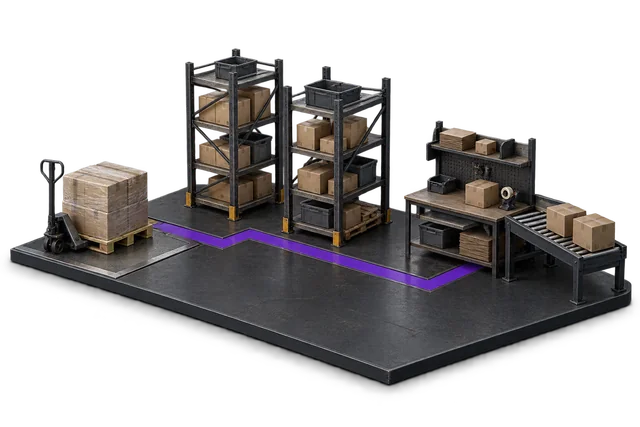
The warehouse foundation
Start here when the work on the floor is the problem: receiving goods, locating stock and getting the right order out.

Expected receipts, receiving exceptions and putaway tasks in one operational view.
The receiving view follows goods from arrival through inspection and putaway.
Sell and distribute stock
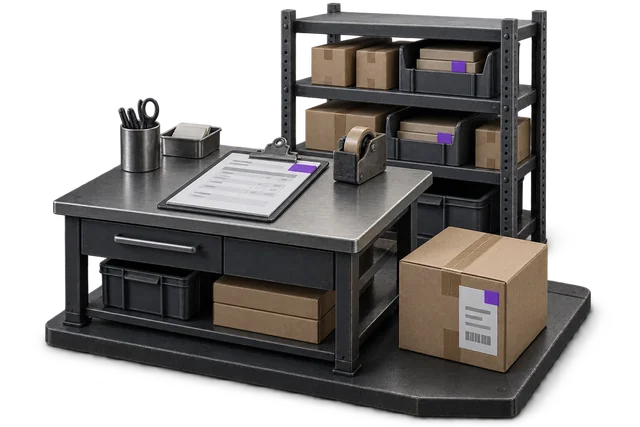
5 suggested modules
Follow orders from allocation to dispatch, then bring returns back into stock.
4 suggested modules
Connect trade orders, inventory and dispatch so the order desk can see progress.
4 suggested modules
Track stock and fulfilment across stores, online orders and returns.
4 suggested modules
Connect parts availability, purchasing and dispatch for the trade order desk.
Fulfil for clients
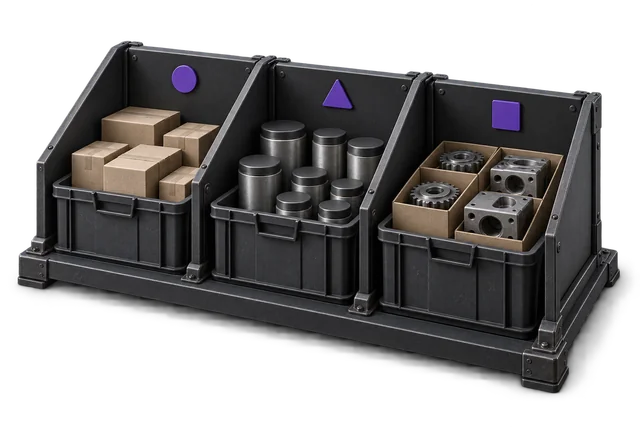
6 suggested modules
Receive, locate, pick and dispatch client stock, with a shared view of exceptions.
Make or handle controlled stock
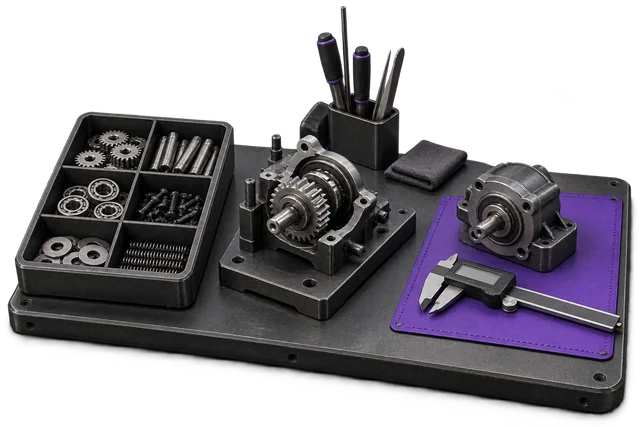
5 suggested modules
Connect materials, purchasing and work orders for light manufacturing and assembly.
6 suggested modules
Review purchasing, stock handling and inspection requirements across your food operation.
5 suggested modules
Coordinate seasonal purchasing, inventory and dispatch across your operation.
Your next step
Bring the process you want to improve. We’ll identify the relevant modules and the requirements that need a closer look.
Use the module recommender