
Carrier connection
DHL.
Connected to dispatch.
Scope DHL service selection, labels and dispatch handoff against your carrier account.
Responsibilities
Agree where each record belongs.
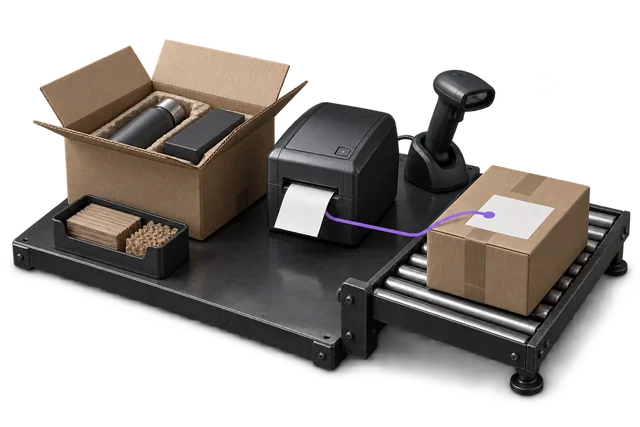
A supported dispatch workflow does not establish a pre-built carrier connector. Agree the connection method and limitations during scoping.
What flows where
Scope the records in each direction.
These are proposed flows for scoping, not a promise that every object or event is already supported.
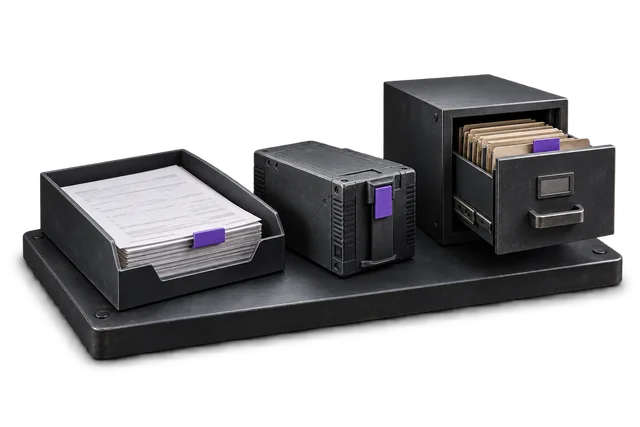
| Record | From → to | Trigger | Scope note |
|---|---|---|---|
| Service and shipment details | OpsUI → DHL | At dispatch preparation | Confirm rating and service-selection scope. |
| Label and tracking reference | DHL → OpsUI | After shipment acceptance | Connection and account support to confirm. |
| Manifest / dispatch handoff | OpsUI → DHL | Agreed dispatch cut-off | Confirm direct API, aggregator or file requirements. |
| Tracking updates | DHL → OpsUI | When supported events arrive | Event coverage and timing require verification. |
Set up the connection around your operation.
Confirm access
Bring your DHL account type, service mix and shipping locations.
Agree the mapping
Confirm rate, label, tracking and manifest access, including printer formats.
Test the handoff
Test representative parcels, rejected addresses, label retries and end-of-day handoff.
Questions about DHL.
Does this work for DHL Express, DHL eCommerce, or both?
Both. They sit on different DHL APIs, but both flows fit the same OpsUI dispatch lifecycle. The right product is selected at order entry based on the service you choose.
What about customs documents for cross-border shipments?
Commercial invoice and customs declaration data are populated from the order and product records already in OpsUI. Manual data entry per international order disappears.
Your next step
Bring your system. Map the connection.
Share the account or version you use, the records that matter and the exceptions your team needs to handle.