
Accounting & ERP
Abel ERP.
Keep your ledger. Connect the floor.
Keep Abel ERP as your financial system and connect the warehouse records your team needs.
Responsibilities
Agree where each record belongs.
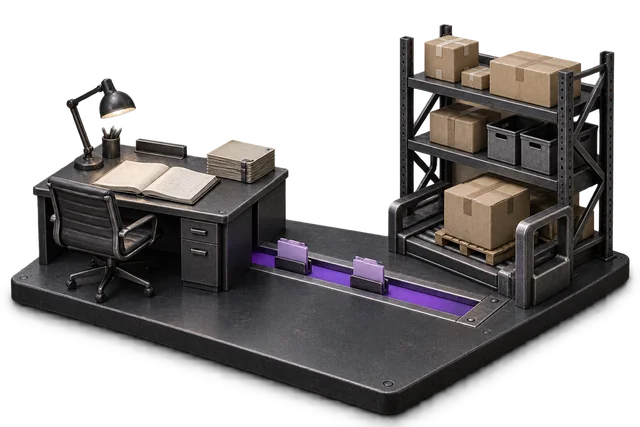
Agree which system owns each record. A two-way integration does not mean every record can be edited in both places.
What flows where
Scope the records in each direction.
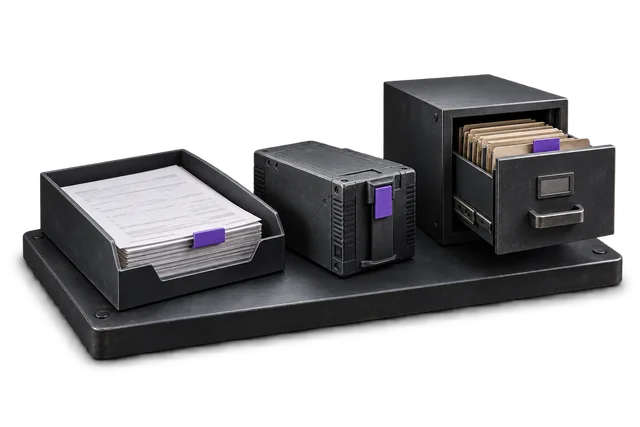
These are proposed flows for scoping, not a promise that every object or event is already supported.
| Record | From → to | Trigger | Scope note |
|---|---|---|---|
| Customers and suppliers | Abel ERP → OpsUI | Agreed during scoping | Proposed flow. Account-level support must be confirmed. |
| Item / product master records | Abel ERP → OpsUI | Agreed during scoping | Proposed flow. Account-level support must be confirmed. |
| Chart of accounts (read-only) | Abel ERP → OpsUI | Agreed during scoping | Proposed flow. Account-level support must be confirmed. |
| Purchase orders and receipts | Abel ERP → OpsUI | Agreed during scoping | Proposed flow. Account-level support must be confirmed. |
| Sales orders and order updates | OpsUI → Abel ERP | Agreed during scoping | Proposed flow. Account-level support must be confirmed. |
| Invoices and payment events | OpsUI → Abel ERP | Agreed during scoping | Proposed flow. Account-level support must be confirmed. |
| Inventory movements and adjustments | OpsUI → Abel ERP | Agreed during scoping | Proposed flow. Account-level support must be confirmed. |
| Fulfilment and dispatch events | OpsUI → Abel ERP | Agreed during scoping | Proposed flow. Account-level support must be confirmed. |
Set up the connection around your operation.
Confirm access
Confirm your Abel ERP product, version and account access.
Agree the mapping
Agree record ownership, field mapping and the initial data load.
Test the handoff
Test successful updates, rejected records, duplicates and recovery before enabling production.
Questions about Abel ERP.
Do I have to replace Abel ERP?
No. Abel stays your system of record for finance and manufacturing. OpsUI adds the warehouse, picking, packing, and dispatch layer and syncs back to Abel, so you avoid a costly, risky ERP migration.
Is the Abel connector live and self-serve today?
It is delivered during your rollout rather than as a self-serve download, because Abel installs differ and the sync is scoped to yours. The rest of OpsUI runs in production today and can run standalone alongside Abel in the meantime.
What kind of businesses run Abel?
Abel is a New Zealand-built ERP common in local manufacturing, food production, and wholesale/distribution — exactly the operations that benefit from a dedicated warehouse and dispatch layer on top.
Your next step
Bring your system. Map the connection.
Share the account or version you use, the records that matter and the exceptions your team needs to handle.