
Accounting & ERP
NetSuite.
Keep your ledger. Connect the floor.
Keep NetSuite as your financial system and connect the warehouse records your team needs.
Responsibilities
Agree where each record belongs.
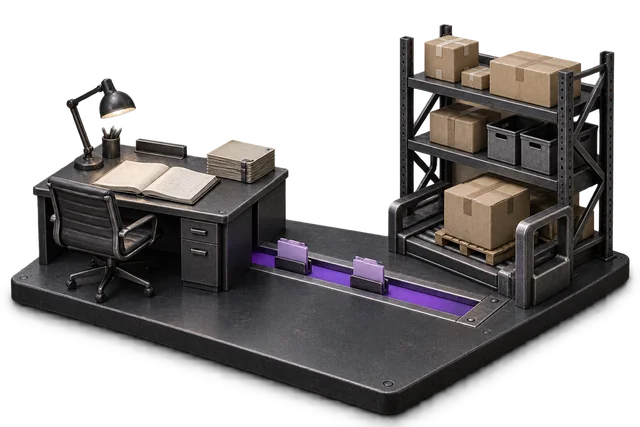
Agree which system owns each record. A two-way integration does not mean every record can be edited in both places.
What flows where
Review the records in each direction.
These are the catalogue flows to validate against your deployment.
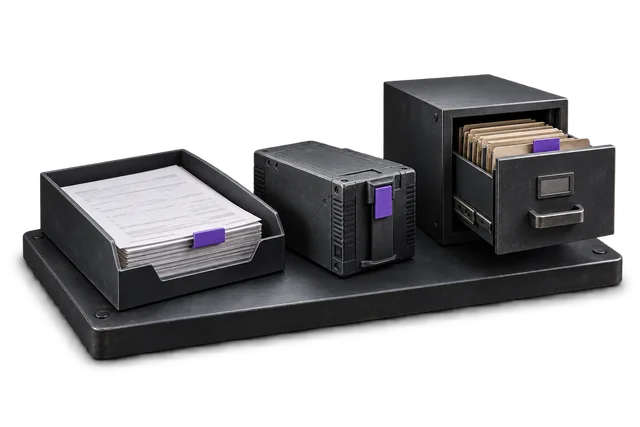
| Record | From → to | Trigger | Scope note |
|---|---|---|---|
| Customers and contact records | NetSuite → OpsUI | Event-driven; timing to confirm | Confirm record ownership, supported fields and exception handling. |
| Items / SKUs with attributes | NetSuite → OpsUI | Event-driven; timing to confirm | Confirm record ownership, supported fields and exception handling. |
| Vendors and supplier records | NetSuite → OpsUI | Event-driven; timing to confirm | Confirm record ownership, supported fields and exception handling. |
| Chart of accounts (read-only) | NetSuite → OpsUI | Event-driven; timing to confirm | Confirm record ownership, supported fields and exception handling. |
| Sales orders and order updates | OpsUI → NetSuite | Event-driven; timing to confirm | Confirm record ownership, supported fields and exception handling. |
| Inventory movements and adjustments | OpsUI → NetSuite | Event-driven; timing to confirm | Confirm record ownership, supported fields and exception handling. |
| Receipts (PO and inbound) | OpsUI → NetSuite | Event-driven; timing to confirm | Confirm record ownership, supported fields and exception handling. |
| Fulfilment and shipping events | OpsUI → NetSuite | Event-driven; timing to confirm | Confirm record ownership, supported fields and exception handling. |
Set up the connection around your operation.
Confirm access
Confirm your NetSuite product, version and account access.
Agree the mapping
Agree record ownership, field mapping and the initial data load.
Test the handoff
Test successful updates, rejected records, duplicates and recovery before enabling production.
Questions about NetSuite.
Do I keep NetSuite as my system of record?
Yes. NetSuite stays the source of truth for finance. OpsUI runs the warehouse and dispatch layer and syncs back, so you do not migrate finance or retrain your accounting team.
How fast do changes sync?
Agree the required update timing during scoping and test it with representative transactions. The delivery model does not establish a guaranteed latency or support for every event.
Is there an iPaaS like Celigo or Boomi in the path?
The connection method and any middleware, aggregator or licence dependencies should be recorded in the scoped integration plan. Confirm your account and deployment requirements before committing.
Your next step
Bring your system. Map the connection.
Share the account or version you use, the records that matter and the exceptions your team needs to handle.