
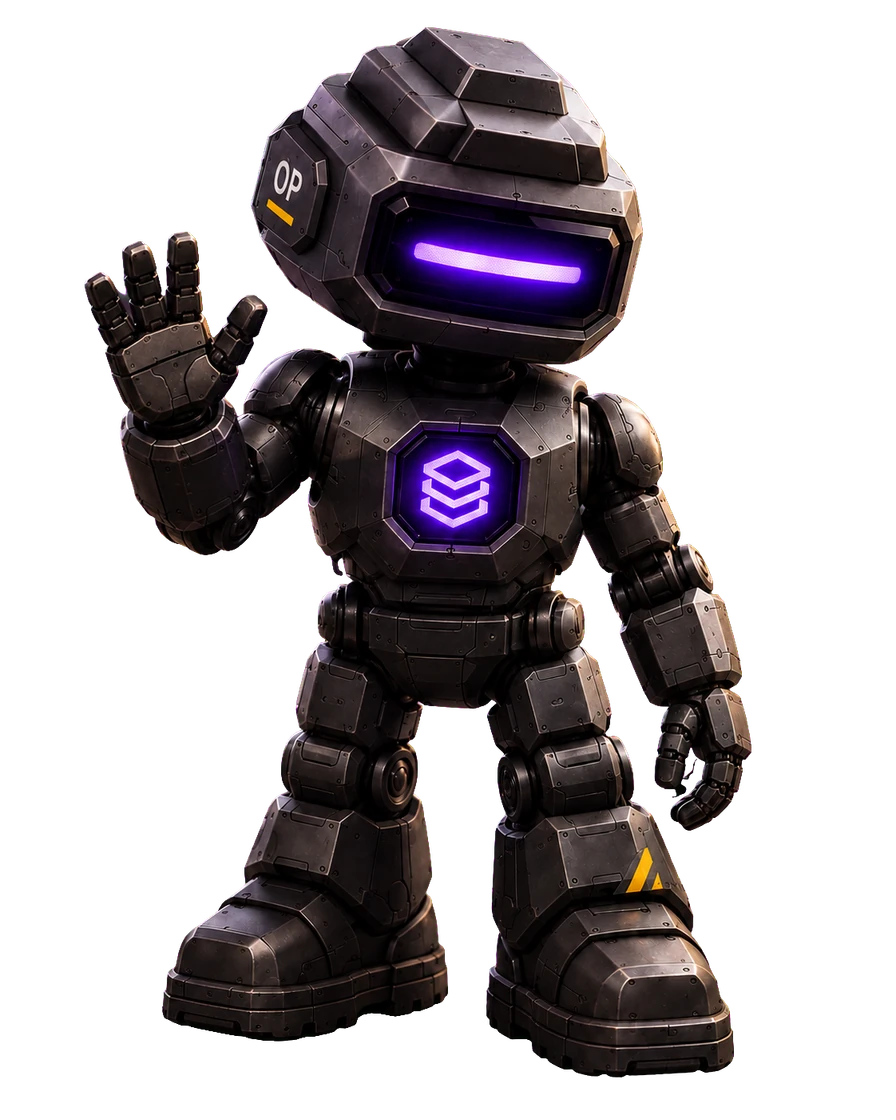
OPIE / THE OPSUI AI OPERATOR
Your operation.
A whole new perspective.
See the work. Connect the steps. Turn intent into action. Follow Opie on a journey through the operation, from a customer’s first order to the next move on the warehouse floor.
02 / Signal orbit
See the signals. Understand the work.
A customer places an order. The customer record, order details and available stock all tell part of the story. I help bring those signals into view, so the next decision starts with context.
- Customer linked
- Order received
- Stock located
03 / Workflow constellation
Connect the dots. Keep the work moving.
An order touches more than one team. CRM connects to orders, orders connect to stock, and stock connects to the warehouse. Inside OpsUI, I can work across those functions to streamline the steps between them.
- CRM → Orders
- Orders → Stock
- Stock → Warehouse
04 / Action engine
Say what needs doing. Put the system to work.
I can access any function in the ERP to help carry out actions and automate repetitive work. A plain-language request becomes a path through the system, connecting the order, available stock and the next warehouse task.
- Find the order
- Check the stock
- Prepare the pick
05 / Dispatch trajectory
Follow the journey. Keep the outcome in sight.
Picking is one stage in a longer journey. Packing, dispatch and customer follow-up still need attention. I help you see where the work stands, understand the handoffs and keep the next action connected to the outcome.
- Pick
- Pack
- Dispatch
06 / Mission control
A wider view. A shorter path to done.
Visibility and action belong together. Across CRM, orders, inventory and warehouse workflows, I help you understand the operation and get things done. You set the direction. I help coordinate the work.
- See the work
- Direct the action
- Follow the outcome
About Opie’s world.
What is Opie?
Opie is the AI operator built into OpsUI. He can access any function in the ERP to streamline actions and automate repetitive work across the operation, including CRM, orders, inventory and warehouse workflows.
What does this space journey show?
This is an illustrative story about operational visibility and control in OpsUI. It follows a customer order through connected systems. The journey and its example actions do not access or change live customer data.
Can I use the journey without animation?
Yes. Read the story to explore every stage without WebGL or animation. In the 3D world, you can pause motion and use the chapter buttons, keyboard or Boost button to move between stages.
What can the Opie chat on this website do?
The website chat helps you explore OpsUI’s public modules, pricing, integrations and rollout information. It is separate from the in-product ERP actions shown in this illustrative journey.