
3PL & Fulfilment
3PL & Fulfilment, from workflow to modules.
Receive, locate, pick and dispatch client stock, with a shared view of exceptions.
A working starting point
Follow the work.
- 01Receive client stock
- 02Locate
- 03Pick
- 04Dispatch
Client inventory bleeds together
Spreadsheet WMS or generic ERP cannot keep client A and client B truly separated. Stock counts drift, billing arguments follow.
Picking strategy is one-size-fits-all
Some clients need wave picking. Some need zone picking. Most legacy systems force one model on every client in the warehouse.
Exceptions are tribal knowledge
Damaged inbound, wrong-SKU shipments, address bounces: each one needs a process, not a sticky note on someone's monitor.
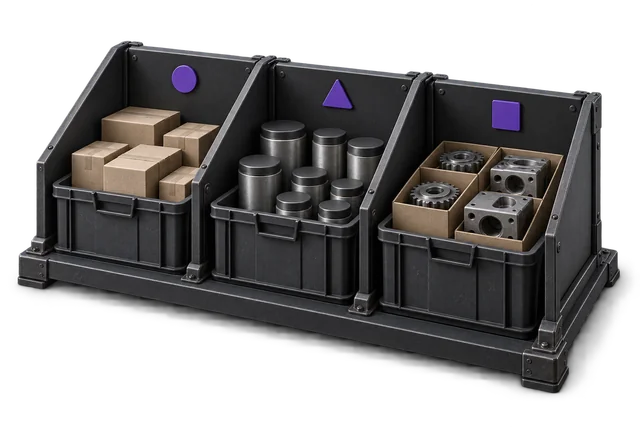

Inspect the product interface alongside the workflow. Confirm your own records and operating requirements during a review.
Modules and responsibilities
What each module contributes.
Keep the parts you need. These recommendations do not create a separate package or change the catalogue price.
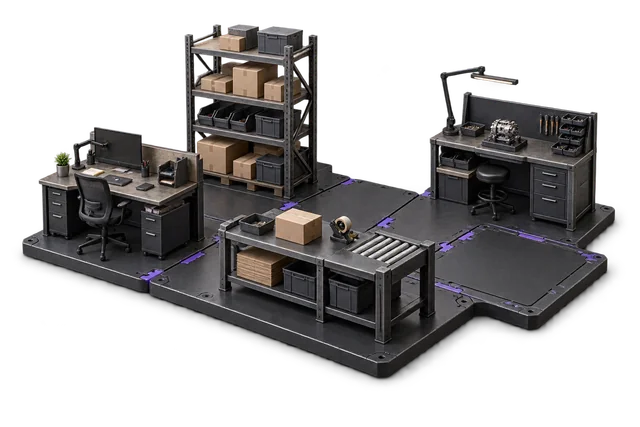
| Module | Job it performs | Delivery status | Monthly price |
|---|---|---|---|
| Receiving & inbound | Check deliveries and put stock away. | Catalogue module | NZ$299 |
| Shipping & outbound | Pack, label and dispatch orders. | Catalogue module | NZ$299 |
| Inventory Management | Track stock across bins and sites. | Catalogue module | NZ$399 |
| Zone Picking | Coordinate picking across warehouse zones. | Catalogue module | NZ$349 |
| Exceptions Management | Find and resolve operational issues. | Built on rollout | NZ$299 |
| Dashboards & Reporting | See live performance and build reports. | Catalogue module | NZ$399 |
NZ$2,044 / month module subtotal
Sum of the suggested module licences. User allowances, additional seats, connectors and rollout requirements must be considered separately. Existing starter-pack pricing may suit a different combination.
Check packages and configure pricingStart with the core inbound/outbound/inventory trio, layer zone picking when you have multiple SKU velocities to balance, and turn exceptions into a real workflow instead of a sticky-note pile.
Before you decide
Requirements to confirm.
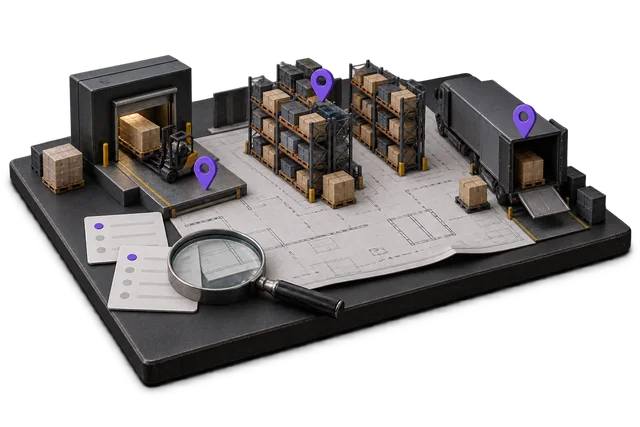
- OpsUI does not provide a dedicated per-client rate-card billing engine. If storage, handling and freight billing are central, evaluate a specialist 3PL system alongside the warehouse workflow.
- Confirm client separation, reporting and access requirements during your workflow review.
Questions about this workflow.
Can OpsUI handle client-isolated inventory and billing?
Yes. Inventory is owned per client, and stock movements stay attached to the client record end-to-end. Billing reports roll up by client without manual reconciliation.
Do you integrate with WMS hardware (scanners, mobile picking)?
Yes. See the Hardware page for the validated scanner / tablet stack we deploy with. Zebra, Honeywell, and standard Android tablets all work out of the box.
What about carrier integration for 3PL dispatch?
NZ Couriers is live today in the Shipping/Outbound module. Other carriers are scoped against your dispatch workflow during implementation rather than pre-claimed on this page.
Keep exploring.
Related operating models.
Your next step
Make this specific to your operation.
Walk through your current process, confirm the fit and scope the modules around the work you need to run.