
Ecommerce & D2C
Ecommerce & D2C, from workflow to modules.
Follow orders from allocation to dispatch, then bring returns back into stock.
A working starting point
Follow the work.
- 01Capture orders
- 02Allocate
- 03Dispatch
- 04Resolve returns
Stock counts disagree with the storefront
Shopify says you have 12 in stock. The warehouse says 4. Customers find out the hard way. Multi-channel makes it worse.
Returns are a graveyard
Every returned item needs a decision: restock, refurbish, discount, scrap. Most teams do this in email threads. Nothing scales.
Picking and packing are a black box
You can see the order. You cannot see whether anyone has picked it, packed it, or printed a label. Customer service guesses.
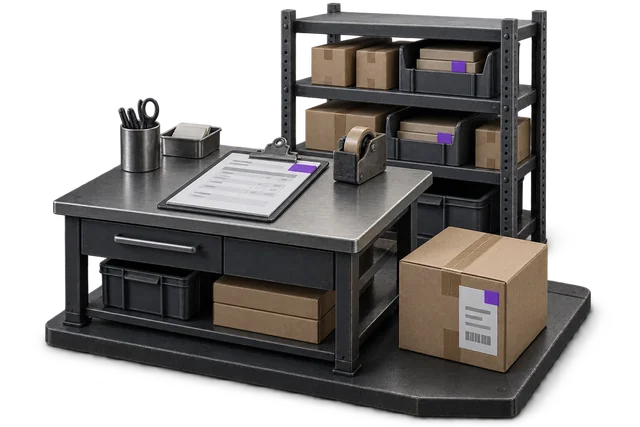

Inspect the product interface alongside the workflow. Confirm your own records and operating requirements during a review.
Modules and responsibilities
What each module contributes.
Keep the parts you need. These recommendations do not create a separate package or change the catalogue price.
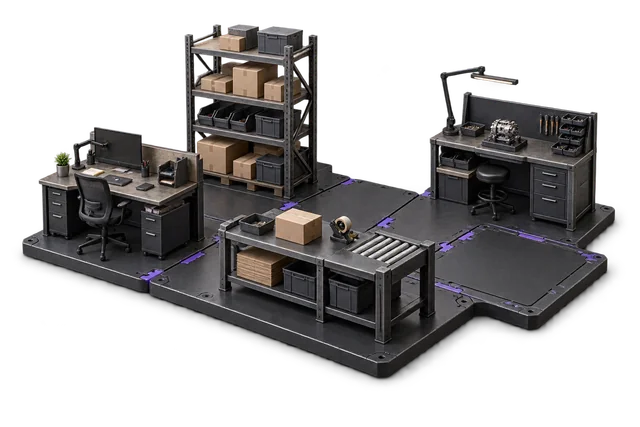
| Module | Job it performs | Delivery status | Monthly price |
|---|---|---|---|
| Order Management | Capture orders and track progress. | Catalogue module | NZ$399 |
| Inventory Management | Track stock across bins and sites. | Catalogue module | NZ$399 |
| Shipping & outbound | Pack, label and dispatch orders. | Catalogue module | NZ$299 |
| Returns management | Inspect returns and manage restocking. | Built on rollout | NZ$349 |
| Dashboards & Reporting | See live performance and build reports. | Catalogue module | NZ$399 |
NZ$1,845 / month module subtotal
Sum of the suggested module licences. User allowances, additional seats, connectors and rollout requirements must be considered separately. Existing starter-pack pricing may suit a different combination.
Check packages and configure pricingOrder Management sits between your storefront and the warehouse. Inventory and Shipping handle the physical flow. Returns close the loop, and the dashboard tells you which SKUs are quietly bleeding margin on returns vs. shipping.
Before you decide
Requirements to confirm.
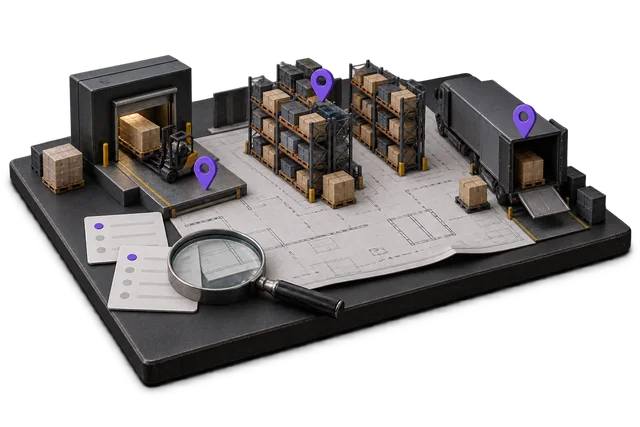
- Storefront connections are scoped during rollout. Confirm your stores, stock ownership rules and refund workflow; a marketplace listing is not implied.
Questions about this workflow.
Do you integrate with Shopify / WooCommerce / Amazon?
Storefront connectors are scoped during implementation. We will not promise a marketplace integration on this page that is not in production. NetSuite is the only bidirectional connector we currently ship.
Can I keep using Xero for accounting?
Yes — and we recommend it. A bidirectional Xero connection is configured against your tenant during rollout. Once configured, invoices and inventory movements flow into Xero automatically; your bookkeeper keeps Xero while the operations team uses OpsUI. See xero for the scoped sync detail.
What happens to inventory during high-volume sales (Black Friday, launches)?
Inventory updates are event-driven, not batch. Stock counts stay in sync as fast as the underlying network allows. Order Management owns the reservation logic so two channels cannot oversell the same unit.
Keep exploring.
Related operating models.
Your next step
Make this specific to your operation.
Walk through your current process, confirm the fit and scope the modules around the work you need to run.