
Food & Beverage
Food & Beverage, from workflow to modules.
Review purchasing, stock handling and inspection requirements across your food operation.
A working starting point
Follow the work.
- 01Receive
- 02Identify stock
- 03Inspect
- 04Dispatch
Batch traceability is paper-based
A recall means digging through paper records. A failed audit means more of the same. Neither is fixable at the speed regulators expect.
Expiry dates are an afterthought
FIFO is a stated policy, not an enforced one. Short-dated stock gets missed and written off.
Cycle counts disrupt production
Full stock takes mean shutting down a line. Most teams skip them and live with drift.
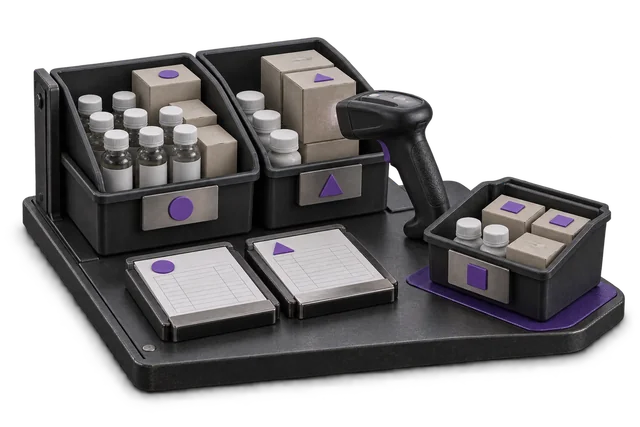

Inspect the product interface alongside the workflow. Confirm your own records and operating requirements during a review.
Modules and responsibilities
What each module contributes.
Keep the parts you need. These recommendations do not create a separate package or change the catalogue price.
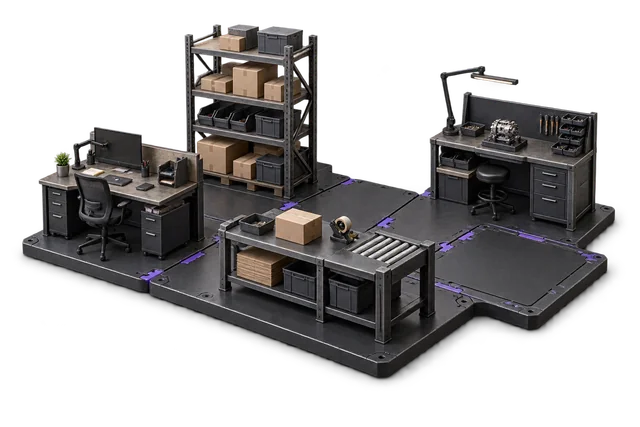
| Module | Job it performs | Delivery status | Monthly price |
|---|---|---|---|
| Inventory Management | Track stock across bins and sites. | Catalogue module | NZ$399 |
| Quality Control | Inspect goods and manage quality holds. | Built on rollout | NZ$399 |
| Procurement | Manage purchases and supplier records. | Built on rollout | NZ$499 |
| Exceptions Management | Find and resolve operational issues. | Built on rollout | NZ$299 |
| Cycle Counting | Count stock and resolve differences. | Catalogue module | NZ$299 |
| Shipping & outbound | Pack, label and dispatch orders. | Catalogue module | NZ$299 |
NZ$2,194 / month module subtotal
Sum of the suggested module licences. User allowances, additional seats, connectors and rollout requirements must be considered separately. Existing starter-pack pricing may suit a different combination.
Check packages and configure pricingInventory Management owns the batch / lot / expiry ledger. Quality Control captures inspection records for audit trail. Cycle Counting replaces the disruptive full stock-take with a continuous rolling count. Quality Control is in beta, so we deploy it with closer support.
Before you decide
Requirements to confirm.
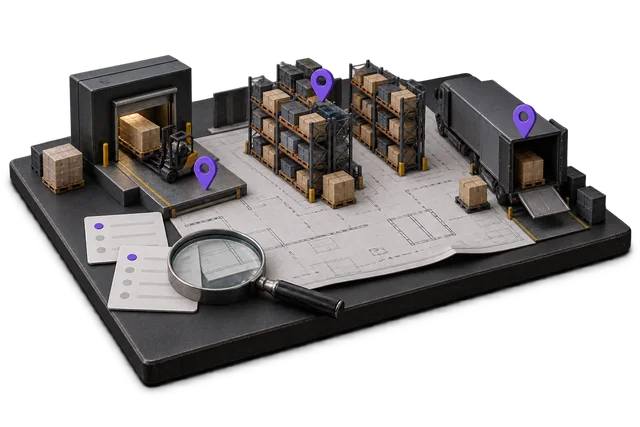
- Validate lot, expiry, rotation and recall requirements against representative transactions before committing.
- OpsUI does not provide MPI E-cert/E-Doc export certification. Software does not certify the operator or facility.
Questions about this workflow.
Does OpsUI handle batch and lot tracking?
Bring your identification, handling and assurance requirements to the workflow review. We need to confirm the exact records, controls and reports with representative data before treating this as a fit. Validate lot, expiry, rotation and recall requirements against representative transactions before committing.
What about temperature-controlled / cold-chain logistics?
Bring your identification, handling and assurance requirements to the workflow review. We need to confirm the exact records, controls and reports with representative data before treating this as a fit. Validate lot, expiry, rotation and recall requirements against representative transactions before committing.
Can I integrate with my supplier portal or EDI?
EDI and supplier-portal integrations are scoped during implementation. We will not pre-claim them on this page. NetSuite is the only bidirectional connector we currently ship.
Keep exploring.
Related operating models.
Your next step
Make this specific to your operation.
Walk through your current process, confirm the fit and scope the modules around the work you need to run.