
Wholesale Distribution
Wholesale Distribution, from workflow to modules.
Connect trade orders, inventory and dispatch so the order desk can see progress.
A working starting point
Follow the work.
- 01Take trade orders
- 02Check stock
- 03Pick
- 04Dispatch
Price lists live in spreadsheets
Every retailer has their own pricing. Volume tiers. Promo overrides. The order desk has to look up which list applies before they can even quote.
Credit terms are tribal knowledge
Which retailers are on 30-day terms? Which are on stop-credit? The answer lives in the head of one person, and they go on leave.
B2B orders arrive across five channels
Email, phone, EDI, B2B portal, sales-rep app. Five different intake paths, five different rekeying steps before the order is in the system.
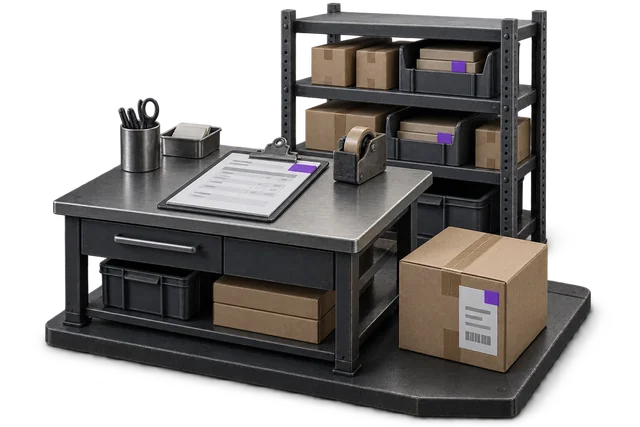

Inspect the product interface alongside the workflow. Confirm your own records and operating requirements during a review.
Modules and responsibilities
What each module contributes.
Keep the parts you need. These recommendations do not create a separate package or change the catalogue price.
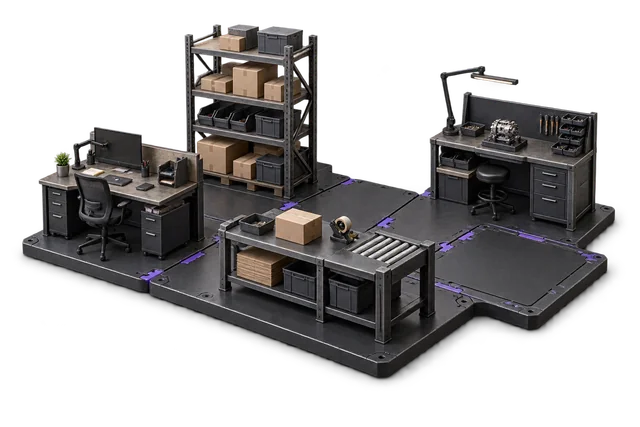
| Module | Job it performs | Delivery status | Monthly price |
|---|---|---|---|
| Order Management | Capture orders and track progress. | Catalogue module | NZ$399 |
| Inventory Management | Track stock across bins and sites. | Catalogue module | NZ$399 |
| Shipping & outbound | Pack, label and dispatch orders. | Catalogue module | NZ$299 |
| Dashboards & Reporting | See live performance and build reports. | Catalogue module | NZ$399 |
NZ$1,496 / month module subtotal
Sum of the suggested module licences. User allowances, additional seats, connectors and rollout requirements must be considered separately. Existing starter-pack pricing may suit a different combination.
Check packages and configure pricingOrder Management owns the customer-specific pricing, credit logic and relationship history. Customer records are built in, no separate CRM licence; Shipping owns the dispatch routing. The bundle covers what wholesale-specific WMS tools handle but stays inside the broader OpsUI product.
Before you decide
Requirements to confirm.
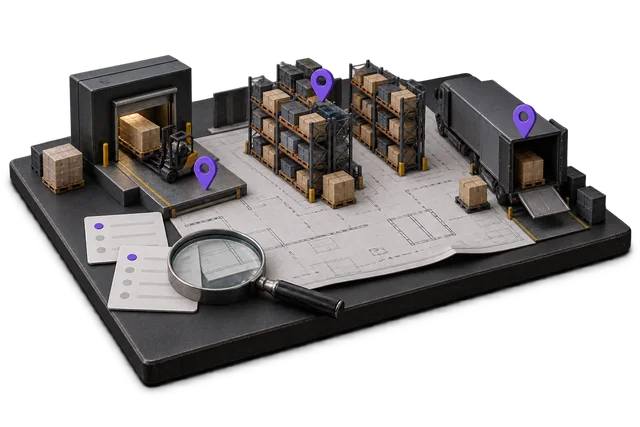
- Confirm your customer pricing, credit approvals and retailer-specific EDI requirements. An industry label does not establish a pre-built retailer connection.
Questions about this workflow.
Does OpsUI support customer-specific price lists?
Yes. The Order Management module supports per-customer price lists, volume tier overrides, and promotional pricing windows. Price calculation runs at order entry, not lookup-time, so the order desk sees the right number the first time.
Can OpsUI enforce credit limits and stop-credit?
Yes. Each customer carries a credit limit and a payment-terms profile. Orders that would breach the limit get flagged and held for approval; stop-credit customers cannot place new orders until cleared. The rule lives in OpsUI, not in someone's head.
Do you support EDI for chain-retailer orders?
EDI is scoped during implementation against the specific retailer formats you support. We will not pre-claim a list of EDI partners on this page; the REST API and OpsUI integration patterns handle the common ANZ patterns (Foodstuffs, Woolworths NZ/AU, Mitre 10) during rollout.
Can I keep using Xero or MYOB for invoicing?
Yes, and we recommend it. OpsUI ships bidirectional Xero and MYOB sync via the Finance & Accounting module. Invoices generated on order fulfilment flow into your accounting ledger automatically.
Keep exploring.
Related operating models.
Your next step
Make this specific to your operation.
Walk through your current process, confirm the fit and scope the modules around the work you need to run.