
Automotive Parts
Automotive Parts, from workflow to modules.
Connect parts availability, purchasing and dispatch for the trade order desk.
A working starting point
Follow the work.
- 01Check availability
- 02Take an order
- 03Replenish
- 04Dispatch
Cross-references live in printed catalogues
Trade customer rings up with an OE part number. Staff have to flip through a catalogue to find the aftermarket equivalent. The customer has already rung the next supplier.
Same-day dispatch is heroic effort, not workflow
Trade customer orders at 10am. Needs the part by 3pm. The team scrambles, calls another branch, drives the part across town. It works, but it does not scale.
Trade pricing is sales-rep memory
Garage X gets 25% off. Garage Y gets 30%. Garage Z is on the contract list. The pricing rules live in the head of whoever has been at the desk longest.
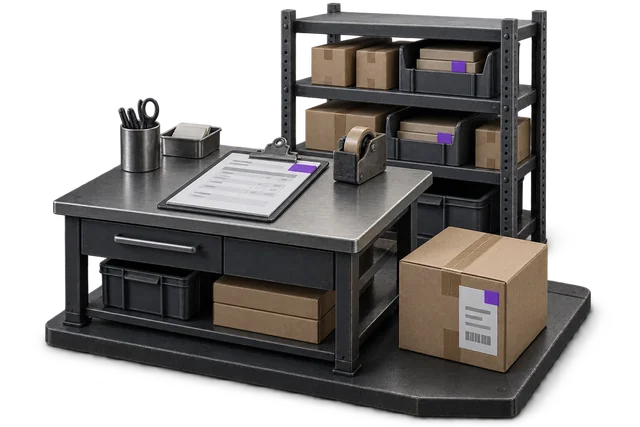

Inspect the product interface alongside the workflow. Confirm your own records and operating requirements during a review.
Modules and responsibilities
What each module contributes.
Keep the parts you need. These recommendations do not create a separate package or change the catalogue price.
| Module | Job it performs | Delivery status | Monthly price |
|---|---|---|---|
| Inventory Management | Track stock across bins and sites. | Catalogue module | NZ$399 |
| Order Management | Capture orders and track progress. | Catalogue module | NZ$399 |
| Shipping & outbound | Pack, label and dispatch orders. | Catalogue module | NZ$299 |
| Procurement | Manage purchases and supplier records. | Built on rollout | NZ$499 |
NZ$1,596 / month module subtotal
Sum of the suggested module licences. User allowances, additional seats, connectors and rollout requirements must be considered separately. Existing starter-pack pricing may suit a different combination.
Check packages and configure pricingInventory Management owns the SKU master and cross-reference attributes; Order Management owns trade pricing and same-day dispatch logic; Procurement owns supplier replenishment for fast-moving parts. Bundle covers what automotive-specific platforms handle but stays modular.
Before you decide
Requirements to confirm.
- Validate part substitutions, fitment information and supplier catalogue requirements. Do not assume a specialist automotive catalogue or marketplace connector is included.
Questions about this workflow.
Does OpsUI support VIN-based or model-based part lookup?
Custom attributes on the SKU master support VIN-band, year-make-model, OEM cross-references, and aftermarket equivalents. Lookup logic at order entry can query against these attributes. Scope the specific catalogue shape (TecDoc, Catalogue Library, supplier-specific) during implementation.
Can OpsUI handle same-day dispatch workflow?
Yes. The Shipping/Outbound module supports same-day carrier cutoffs (NZ Couriers, Aramex, courier-direct) with a dedicated pick wave for same-day orders. The pick screen shows priority orders first; the cutoff timer is visible to the picker.
How does trade-customer pricing work?
The Order Management module supports per-customer price lists with percentage discounts, contract overrides, and volume tiers. Trade customers see their negotiated pricing automatically on order entry. No sales-rep lookup needed.
Do you integrate with automotive industry portals (eBay Motors, Repco, Supercheap)?
Marketplace integrations are scoped during rollout. eBay Motors and similar ride the standard eBay connector; Repco / Supercheap and industry-specific portals scope individually depending on your supplier relationship.
Keep exploring.
Related operating models.
Your next step
Make this specific to your operation.
Walk through your current process, confirm the fit and scope the modules around the work you need to run.