
Retail & Omnichannel
Retail & Omnichannel, from workflow to modules.
Track stock and fulfilment across stores, online orders and returns.
A working starting point
Follow the work.
- 01Locate stock
- 02Allocate orders
- 03Fulfil
- 04Receive returns
Stock visibility per store is fiction
The website shows in-stock. The Wellington store has zero. Auckland has six. Customer ordered. No one knows where the order should ship from.
Click-and-collect is manual
Online order placed for store pickup. Someone in head office emails the store. Store staff dig through the back. Customer has been waiting 24 hours for a "ready to collect" SMS.
Returns at one store, sale at another
Customer bought online, returns in Christchurch. Christchurch has nowhere to put it. The system does not know the unit should go back into Auckland's pool. Stock sits in a corner for three weeks.
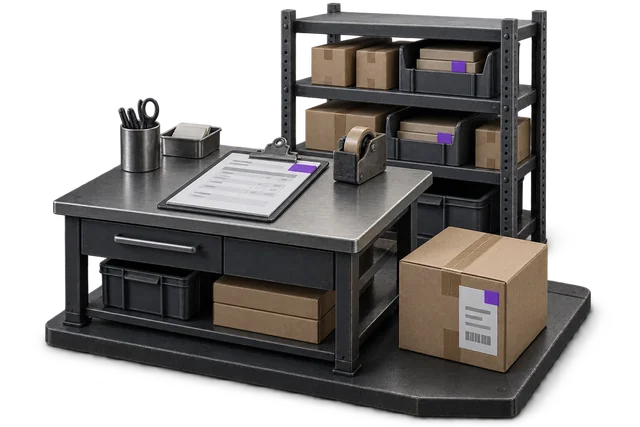

Inspect the product interface alongside the workflow. Confirm your own records and operating requirements during a review.
Modules and responsibilities
What each module contributes.
Keep the parts you need. These recommendations do not create a separate package or change the catalogue price.
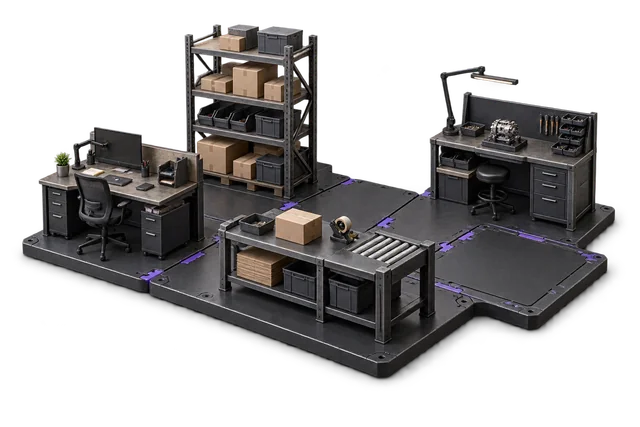
| Module | Job it performs | Delivery status | Monthly price |
|---|---|---|---|
| Inventory Management | Track stock across bins and sites. | Catalogue module | NZ$399 |
| Order Management | Capture orders and track progress. | Catalogue module | NZ$399 |
| Shipping & outbound | Pack, label and dispatch orders. | Catalogue module | NZ$299 |
| Returns management | Inspect returns and manage restocking. | Built on rollout | NZ$349 |
NZ$1,446 / month module subtotal
Sum of the suggested module licences. User allowances, additional seats, connectors and rollout requirements must be considered separately. Existing starter-pack pricing may suit a different combination.
Check packages and configure pricingInventory Management owns the per-location stock pool; Order Management owns the ship-from-store routing logic; Returns Management owns the disposition flow. POS integration is scoped during rollout against your existing POS platform.
Before you decide
Requirements to confirm.
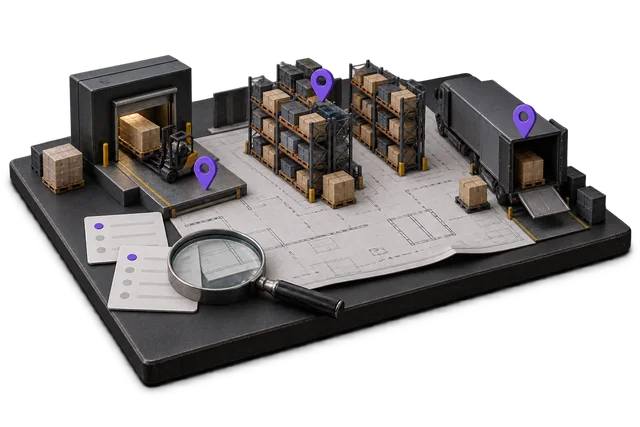
- POS integration and ship-from-store rules are scoped against your existing platform. Confirm how returns affect each location before rollout.
Questions about this workflow.
Does OpsUI replace my POS?
No. POS stays on your existing platform (Vend / Lightspeed / Square / Shopify POS). OpsUI sits behind it as the inventory and operations layer: stock counts, ship-from-store logic, returns workflow, omnichannel order routing. The POS handles the customer-facing checkout; OpsUI handles the operations behind it.
Can OpsUI route ship-from-store dispatches?
Yes. The Order Management module routes online orders to the optimal fulfilment location based on real-time stock, proximity to the customer, and shipping cost. A store that has the unit and is closer to the customer wins the dispatch over a central DC further away.
How does click-and-collect work in OpsUI?
Online order placed → assigned to the customer's preferred store → store staff get a pick list on their phone (Bluetooth scanner attached) → they pick the unit, mark it ready → customer gets the "ready to collect" SMS or email automatically. No head-office email step.
Does this work for franchise retailers with separate ownership?
Yes, with caveats. Multi-store franchises where each store has separate inventory ownership and accounting can run OpsUI per franchise. Centralised franchises (where head office owns inventory and stores are dispatch nodes) is the simpler shape and what OpsUI is built for by default. Scope during implementation.
Keep exploring.
Related operating models.
Your next step
Make this specific to your operation.
Walk through your current process, confirm the fit and scope the modules around the work you need to run.